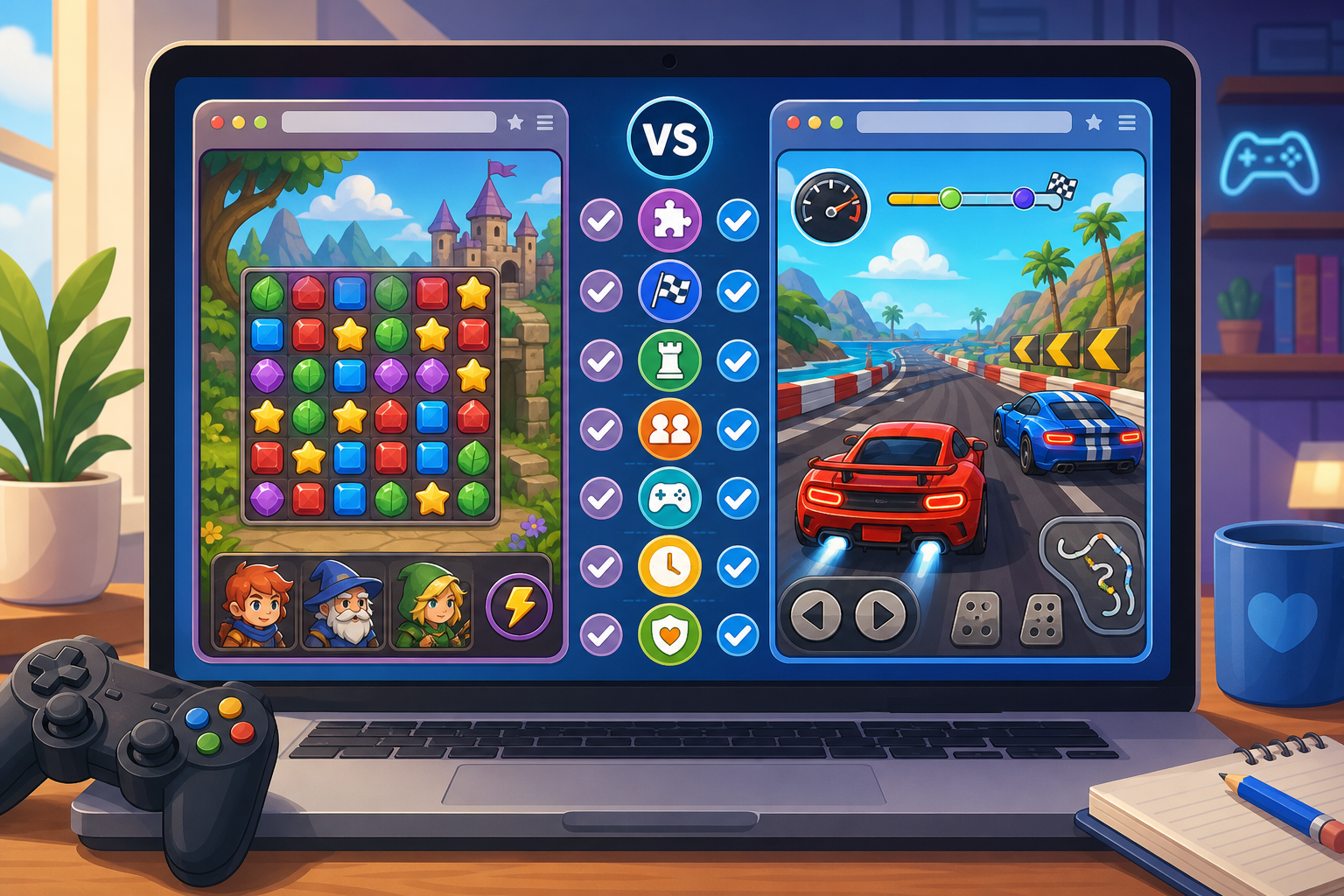
When two free online games look interesting, the best choice is not always the one with the better thumbnail or more exciting title. A game can be enjoyable in one situation and frustrating in another, depending on how much time you have, whether you want a challenge, and whether you are playing alone or with someone else.
The simplest way to compare free online games is to evaluate the features that affect your next play session: game type, controls, learning curve, session length, multiplayer needs, device fit, and site safety. You can usually make a good decision in a minute or two without playing both games for a long time.
Start with the kind of experience you want
Before comparing individual features, decide what you want from the game right now. “Fun” can mean very different things. You might want a quick puzzle, a reflex challenge, a competitive race, a strategy session, or something suspenseful.
First, identify the main activity:
- Relaxing: Look for puzzles, matching, finding differences, or games with a steady pace.
- Action: Prioritize movement, timing, quick decisions, and responsive controls.
- Competition: Check whether the game involves racing, scoring, battles, or another clear challenge.
- Strategy: Look for resource management, planning, combinations, or decisions that shape progress.
- Social play: Confirm whether another player is actually required or whether the game is simply suitable for taking turns.
- Suspense: Check the tone and subject matter before choosing a horror-themed or unsettling game.
For example, Difference Find Master Game may be a more suitable starting point when you want a visual observation challenge, while Bike Racing Adventure is a more natural choice when you want a racing-oriented experience. The important comparison is not which genre is universally better, but which one matches your current mood.
Compare games using seven practical factors
1. Genre and core activity
Titles can be vague, so focus on what you will repeatedly do after the game loads. Ask whether the main activity is jumping, racing, matching, spotting differences, managing resources, combining items, or surviving a tense scenario.
A useful test is to finish this sentence: “For most of the session, I will be…” If the answer sounds appealing, the game is probably a good fit. If the answer is unclear, look for a description or try the game briefly before committing more time.
2. Controls and input demands
Controls have a major effect on enjoyment. A game that requires precise movement may be a poor choice if you are using a small keyboard, a touch device, or an unfamiliar control scheme. A slower puzzle may be easier to enjoy when you want minimal input.
Compare the likely demands:
- Does the game depend on fast reactions?
- Will you need several keys or repeated clicking?
- Does accuracy matter more than speed?
- Can you pause or stop easily?
- Will another player need access to the same device?
Do not assume that a simple-looking game is automatically easy to control. A clean interface can still hide demanding timing or precision. Give the first few moments of play more weight than the artwork when judging controls.
3. Learning curve and difficulty
Two games can take the same amount of time to load but feel completely different once you begin. One may explain its rules immediately; another may expect you to experiment. Compare how quickly you want to understand the objective.
Choose a game with a gentler learning curve if you want to start playing without reading instructions. Choose a more demanding option if discovering systems and improving through repeated attempts is part of the appeal.
Also distinguish between difficulty and complexity. A game may have simple rules but require precise timing. Another may have more rules but allow plenty of time to make decisions. Decide which kind of challenge you prefer.
4. Session length and stopping points
Consider how much time you actually have. A short break calls for a game that produces an immediate objective and lets you stop naturally. A longer session may suit a game that builds through planning, progression, or repeated rounds.
Ask these questions before choosing:
- Can I understand the objective quickly?
- Does the game appear to use short rounds or continuous play?
- Can I stop after a single attempt?
- Will leaving midway make the session feel incomplete?
If you only have a few minutes, avoid selecting a game solely because it looks deep or elaborate. The better option is the one that delivers the type of engagement you want within your available time.
5. Solo play versus two-player play
Check whether the game is designed for one person, supports two players, or simply works well as a shared viewing experience. This distinction matters if you are choosing a game with a friend or family member.
Obby Rainbow Parkour Two Player is an obvious title to consider when you specifically want a two-player parkour-style game. If you are playing alone, compare it with a solo-oriented choice rather than assuming every game will provide the same experience.
Before starting a shared game, clarify who will use which controls and whether both players need to remain engaged throughout. A game can be technically playable by two people but still be a poor match if one player has little to do.
6. Replay value
Replay value is not the same as game length. A short game may be worth returning to because you can improve your score, find more details, or try a different approach. A longer game may lose its appeal after one playthrough.
Look for the kind of repeat engagement you prefer:
- Skill replay: You return to improve timing, accuracy, or speed.
- Discovery replay: You look for details or solutions you missed.
- Strategy replay: You test different decisions or combinations.
- Social replay: You play again because another person joins.
For a visual challenge, a game such as Mischievous Pairs may appeal to players who enjoy repeating a memory or matching-style activity. For a more management-focused direction, you could compare it with ANT COLONY. The right choice depends on whether you want observation and recall or planning and organization.
7. Device, browser, and comfort
A game is only a good choice if it is comfortable to play on your current setup. Consider screen size, input method, sound, and whether the page behaves well in your browser.
On a larger screen, small visual details and precise movement may be easier to handle. On a touch device, games that rely heavily on keyboard input may be less convenient. If you are in a public or quiet space, sound and startling themes may also influence your choice.
Do not treat these as minor concerns. An otherwise enjoyable game can become frustrating if buttons are difficult to reach, text is hard to read, or the controls do not suit your device.
Use a quick comparison table
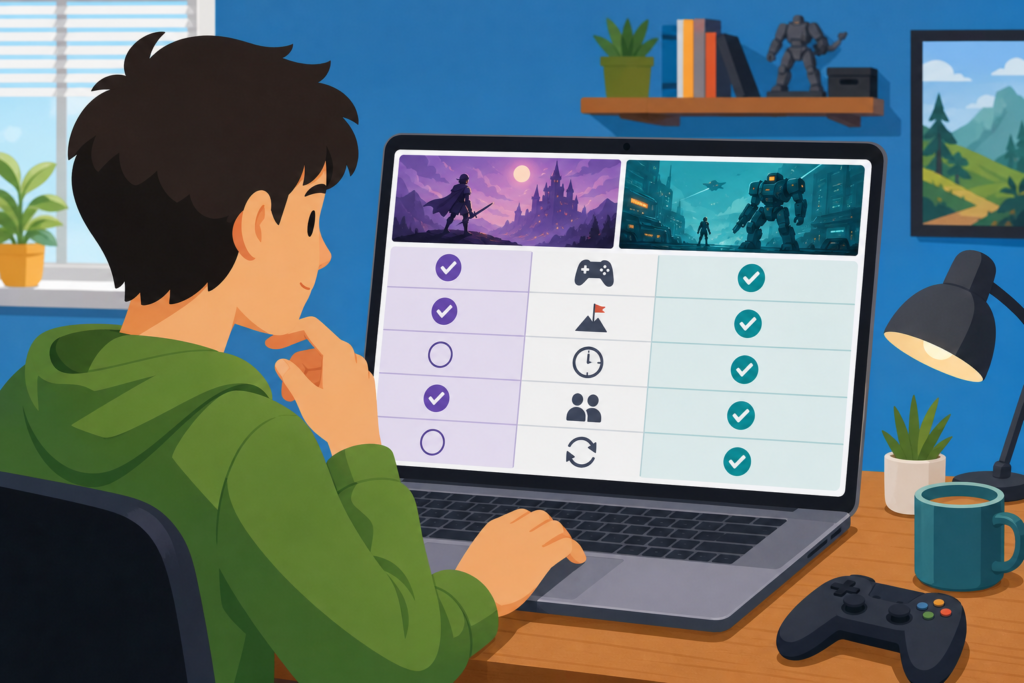
When you are deciding between two games, score each one from one to five for the factors that matter most to you. You do not need an objective rating; the purpose is to make your preferences visible.
| Factor | Game A | Game B | What to ask |
|---|---|---|---|
| Core activity | Which type of play sounds better right now? | ||
| Controls | Which one fits my keyboard, mouse, or touch device? | ||
| Difficulty | Do I want a relaxed start or a tougher challenge? | ||
| Time commitment | Can I stop comfortably when I need to? | ||
| Multiplayer fit | Does it suit the number of people playing? | ||
| Replay value | Would I want to try it again? | ||
| Comfort and safety | Is the page and content suitable for my situation? |
Give extra weight to the categories that matter most. If you only have five minutes, time commitment should matter more than replay value. If you are choosing for two people, multiplayer fit should come first. This prevents a game from “winning” because of several minor advantages while failing your main requirement.
Compare the first five minutes, not just the description
Descriptions and thumbnails help you narrow your choices, but the opening minutes provide better evidence. Once a game loads, check whether the objective is clear, the controls respond as expected, and the pace feels appropriate.
Use this short test:
- Identify the objective without guessing for too long.
- Try the main control or action.
- Notice whether the difficulty feels fair.
- Check whether the screen is readable and uncluttered.
- Decide whether you want to continue before investing more time.
If a game is not enjoyable during this test, you do not need to force yourself to finish it. Free online games are easy to compare because you can move to another option without treating the first choice as a commitment.
Consider the tone before you play
Genre is only part of a game’s mood. A title may suggest comedy, suspense, adventure, competition, or strategy, but your comfort level still matters. Think about whether you want colorful and lighthearted play or something more intense.
For example, Scary Joker Game may be more appropriate when you are specifically looking for a scary or unsettling theme. If you want a less tense session, compare it with a puzzle, racing, or strategy option instead.
Pay attention to sound, sudden visual changes, and subject matter if you are choosing a game for a child, playing at work, or sharing a room with someone who may not want a suspenseful experience.
Check basic safety and privacy signals
“Free” describes the cost, not necessarily the quality or safety of every website. Before interacting with a game page, use sensible browsing habits.
- Prefer pages with a clear game title and recognizable site navigation.
- Do not download unknown files just to start a browser game.
- Do not enter passwords, payment details, or unnecessary personal information.
- Be cautious with pop-ups, redirects, and requests for unusual permissions.
- Leave the page if the experience feels deceptive or unrelated to the game.
These checks should not make choosing a game complicated. They are simply a reminder that convenience should not override basic online safety.
Compare similar games by changing only one preference
If two choices still seem equal, change one preference at a time. This is more useful than trying to decide which game is “better” in general.
For example, ask:
- Do I want observation or action?
- Do I want combining and planning or quick movement?
- Do I want a solo activity or a two-player challenge?
- Do I want a familiar goal or something more unusual?
- Do I want a calm session or a tense atmosphere?
You could compare Merge Beast Arena with SNACK & WARP by looking first at the kind of decisions and pace each title suggests, then confirming the experience during the opening minutes. This approach keeps the decision focused on your needs rather than on broad labels such as “best” or “most popular.”
A simple decision rule for choosing quickly
When you do not want to fill out a full table, use this three-question rule:
- Does the main activity match what I want right now?
- Can I play it comfortably on my device and with my available time?
- Does the first minute make me want to continue?
If the answer is yes to all three, start playing. If one answer is no, try the other game. If both fail, choose a different title rather than settling for an experience that already feels wrong.
Final takeaway
Learning how to compare free online games is mostly about matching the game to the moment. Start with the core activity, then check controls, difficulty, time commitment, multiplayer needs, replay value, device comfort, tone, and basic safety.
Use descriptions to narrow the choice, but let the first few minutes make the final decision. Whether you want a visual challenge, racing action, strategy, a two-player activity, or a suspenseful theme, the best free online game is the one that fits your preferences and makes it easy to enjoy your time immediately.
Related: Why Browser Games Feel Different on Mobile: Touch Controls, Screen Size, and Orientation