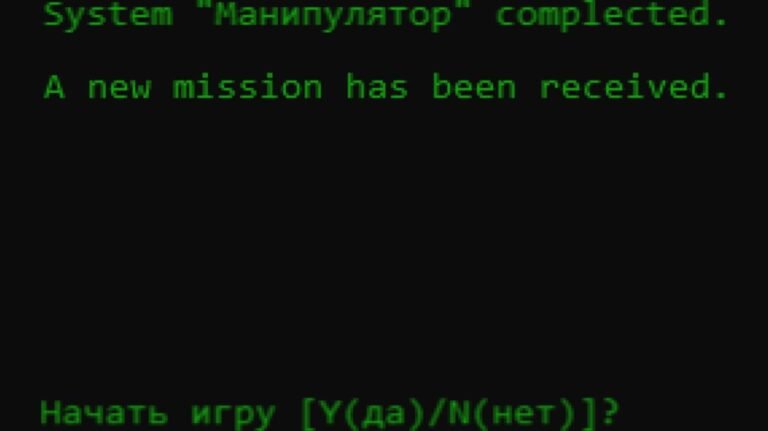
Play Yayko Vanko free online on PlayPicky. This horror games browser game launches directly in your browser through the official iDev.Games embed. Open Yayko Vanko, follow the game-created objectives and prompts, and switch to fullscreen when available for a larger play area. No separate download is required. Controls and mechanics vary by game, so use the instructions shown after the game loads. Desktop players can follow the keyboard or mouse prompts, while supported mobile games may provide touch controls. You can also explore more horror games on PlayPicky from the related-games section.
About Yayko Vanko
Yayko Vanko is listed as a browser horror game from iDev.Games, presented through an embedded game window rather than a separate download. The supplied information identifies its genre and format, but does not describe a plot, specific threats, puzzles, combat, or other gameplay systems. For that reason, the most reliable way to understand what the game asks of you is to read its own objectives and prompts after it loads.nnThe embedded game is listed at 960 × 540 pixels in landscape orientation. That gives players a useful indication of its intended display shape, although it does not confirm how the game adapts to different screens. The provider says to wait for loading to finish, follow instructions shown within the game, and use fullscreen when that option is available. Controls are not specified in advance; the game’s own prompts are the guide, with keyboard or mouse instructions possible on desktop and touch controls only if mobile play is supported.nnThis listing is therefore best approached as an introduction to a horror-themed browser game whose specific story and mechanics are revealed in-game. Check the on-screen guidance before acting, and treat device compatibility and control options as unconfirmed until the embed indicates otherwise.
What to Expect
- A horror-category browser game delivered through an iDev.Games embed.
- Objectives and instructions that are presented after the game loads.
- A landscape-format game window listed at 960 × 540 pixels.
- Specific story details, gameplay mechanics, and control schemes are not provided in the listing.
How to Play
Open the embedded game and allow it to finish loading before looking for its instructions. Once the game is ready, read the objectives, tutorial text, or prompts displayed inside it; these are the only supplied source of game-specific guidance. Follow the controls indicated there rather than assuming a particular keyboard layout, mouse action, or touch scheme. The listing does not explain a fixed sequence of actions or describe what success looks like, so use the in-game objectives to determine what to do next. If a fullscreen option appears, you can select it for a larger play area. If instructions are absent or unclear, the available information does not provide a separate control guide.
Controls & Input
No specific button mapping or interaction scheme is provided for Yayko Vanko. The provider directs desktop players to follow any keyboard or mouse prompts shown by the game. Touch controls may be available only if the game supports mobile devices; that support is not confirmed by the supplied data. Check the in-game instructions after loading, and do not assume that a particular key, click, or gesture performs a specific action.
Mobile & Screen Notes
The game is listed in landscape orientation with a 960 × 540 display size, which may be useful when deciding how to position a mobile screen. This does not confirm that Yayko Vanko supports phones or tablets, nor does the listing explain whether its layout resizes for smaller screens. The provider mentions on-screen touch controls only for games that support mobile, so mobile input for this title remains unconfirmed. If you open it on a mobile device, check whether the embed loads and whether the game itself presents touch instructions. Fullscreen is an option only if it is offered in the game or embed.
Who Might Enjoy This Game?
Yayko Vanko may interest players browsing horror games who are comfortable discovering a title through its own in-game instructions rather than a detailed advance guide. The listing confirms a browser-game format and horror category, but does not identify whether the experience focuses on exploration, puzzles, action, or another style. Players looking for a particular horror mechanic, story premise, or control scheme should treat those details as unknown until the game presents them. Its landscape-format listing may also matter to players choosing where to open the embedded game.
PlayPicky Tips
- Wait until the game has finished loading before following its instructions.
- Read the objectives and prompts presented in-game; the listing does not provide a separate walkthrough.
- Use only the keyboard, mouse, or touch inputs indicated by the game rather than guessing at controls.
- Try fullscreen if the option is available and you want a larger play area.